Moving OVOC VMs in a Hyper-V Cluster
Moving OVOC VMs in a Hyper-V Cluster
This section describes how to move a Virtual Machine to another host node in a Hyper-V cluster.
| ➢ | To move a Virtual Machine to another node of the cluster: |
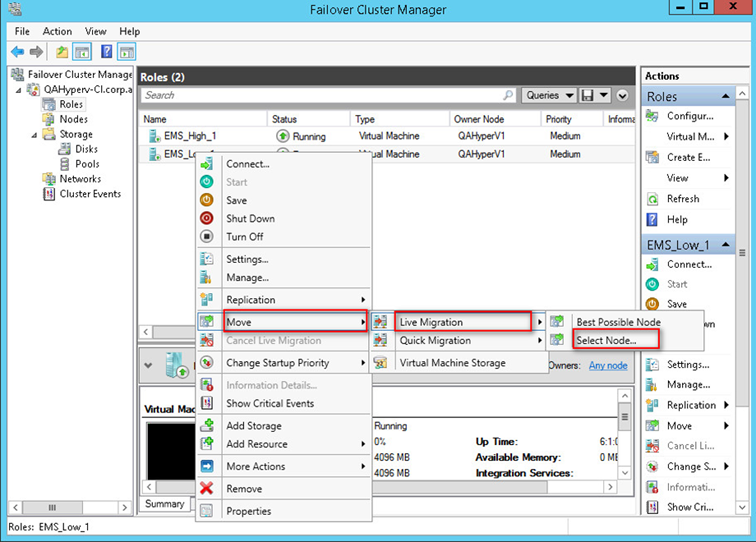
| 1. | Select the Virtual Machine, right-click and from the menu, choose Move > Live Migration > Select Node. |
Hyper-V Live Migration
The following screen is displayed:
Move Virtual Machine
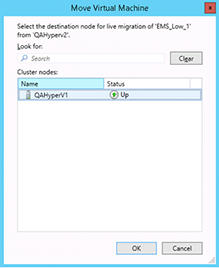
| 2. | Select the relevant node and click OK. |
The migration process starts.
Hyper-V Migration Process Started
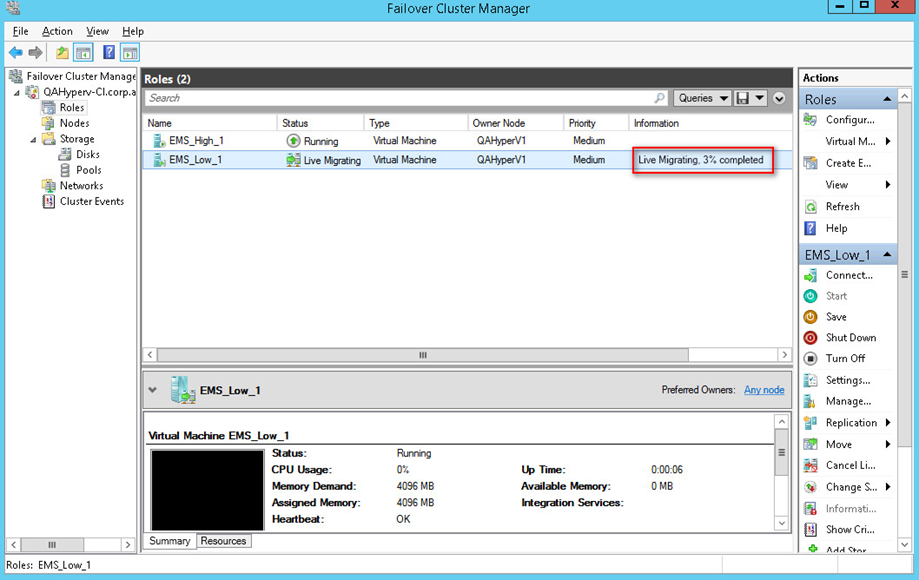
After the migration has completed, the OVOC application will run seamlessly on the VM on the new cluster’s node.